Every Kasbu Card Explained: The Complete Guide (2026)
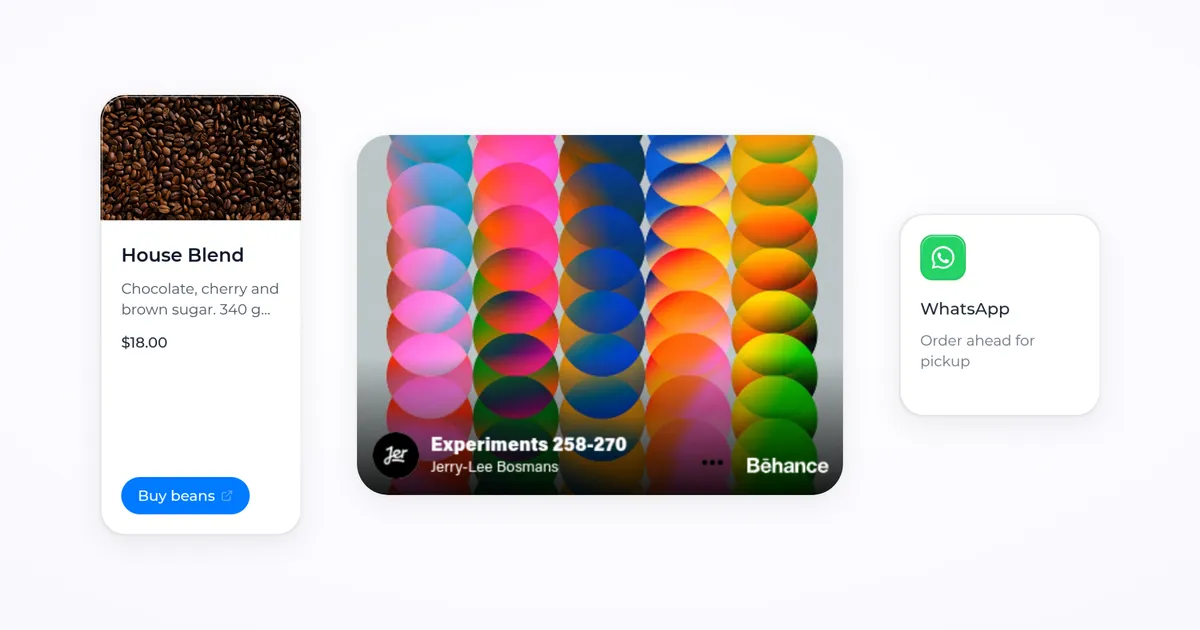
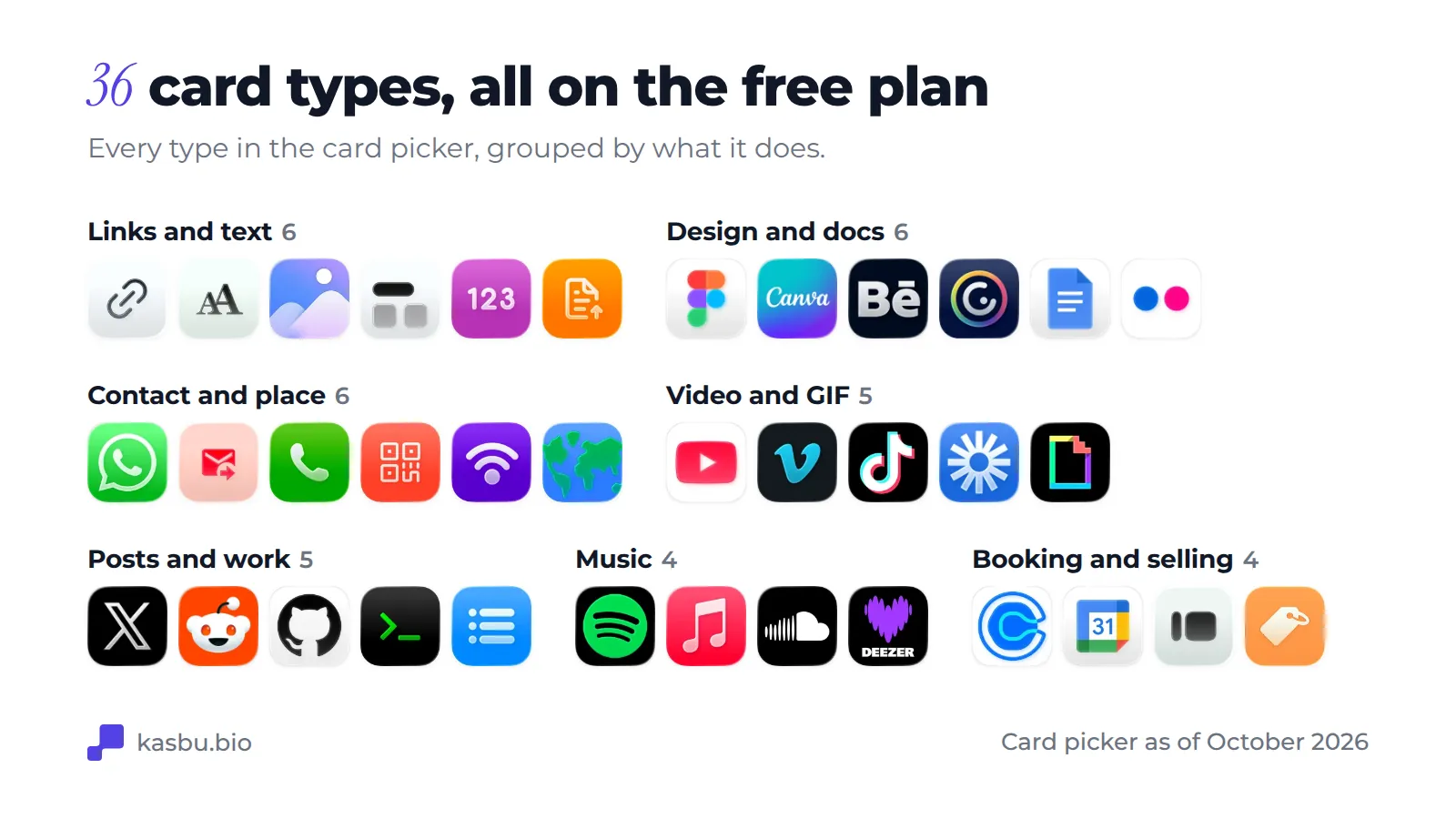
Kasbu has 36 card types, all on the free plan: links, Spotify and Apple Music players, YouTube and TikTok videos, maps, Calendly, products, files and more. What each one does, what you paste into it and which sizes it takes.
Published · 11 min read · by Kasbu Team
Tags: Kasbu, Creator Tools, Link in Bio, Tutorial
A Kasbu page is a grid of cards. Each card has a type (a link, a Spotify player, a map, a product) and a size, and you drag it wherever you want on the grid. This guide goes through all 36 types in the card picker: what each one shows, what you paste into it, and which sizes it accepts.
Every card type is available on the free plan. The free plan's limit is the number of cards, 25 per profile, not which ones you use.
How the grid works
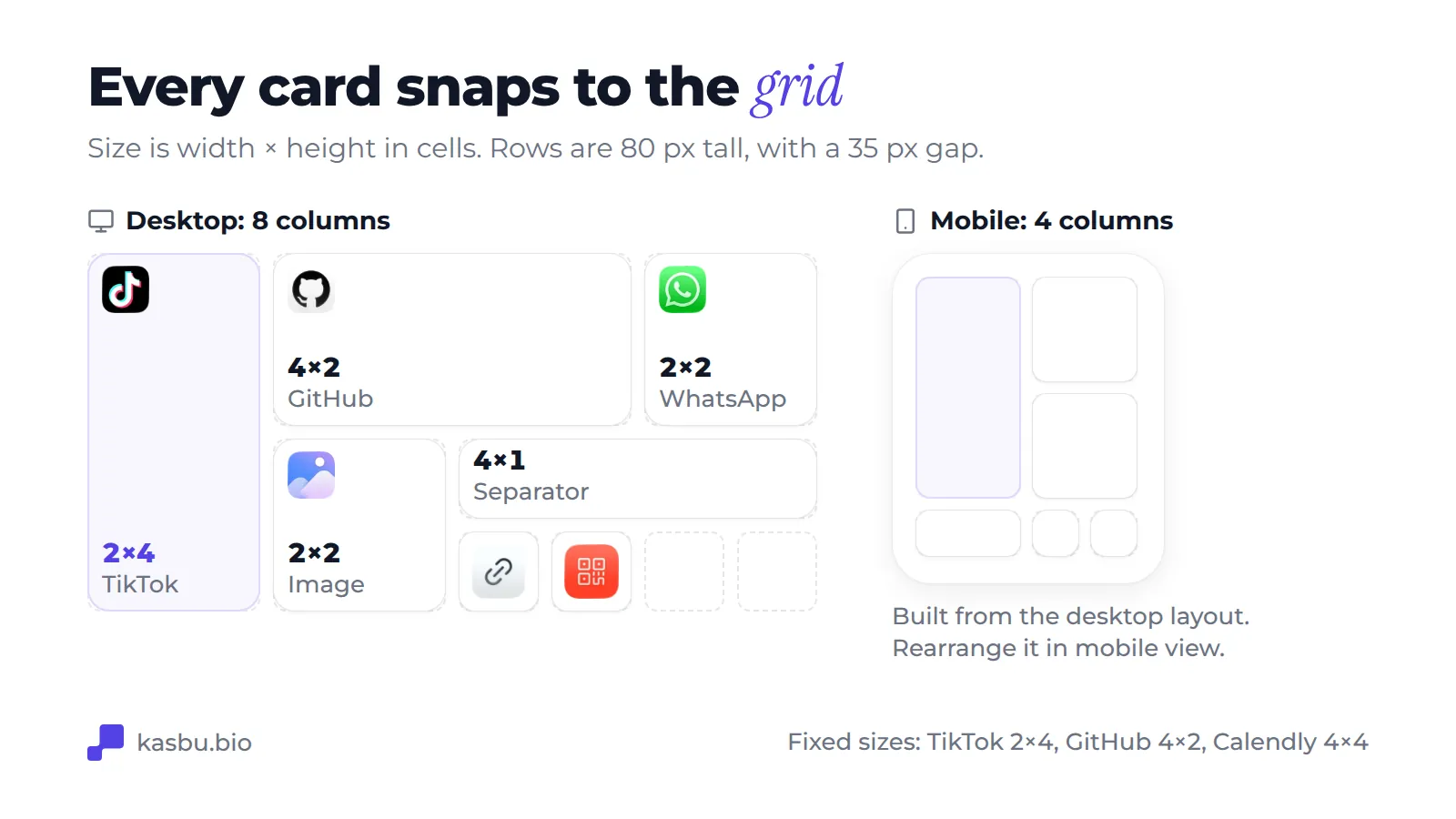
The desktop grid has 8 columns and the mobile grid has 4. Rows are 80 px tall with a 35 px gap. A card's size is written as width × height in cells, so a 2×2 card is a small square and a 4×2 card is a wide rectangle.
You can usually pick from 1×1, 2×2, 4×1, 4×2, 2×4 and 4×4. Some cards add full-width sizes (8×1, 8×4 and 8×6) and some only accept the sizes their content needs. Kasbu builds the mobile layout from your desktop one, and you can switch the editor to the mobile view and rearrange it separately.
To add a card, open the card picker, or paste a URL into the editor's search box. Kasbu recognizes many sites from the link (an Instagram profile, a Spotify track, a YouTube video) and picks the matching card.
Links and text
Link
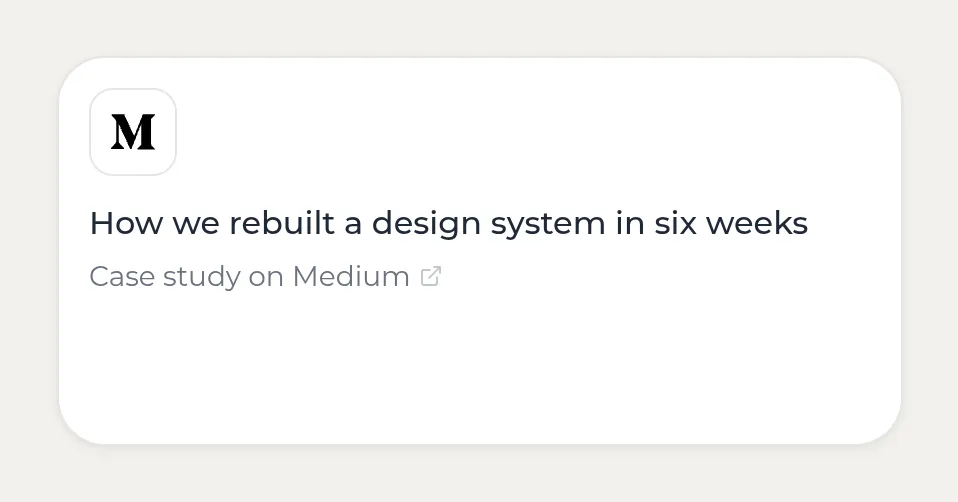
Paste any URL. The card shows the site's icon, a title you can edit and the domain. Use it for your shop, newsletter, latest project or anything without its own card type. Sizes: 1×1 up to 4×4.
Text
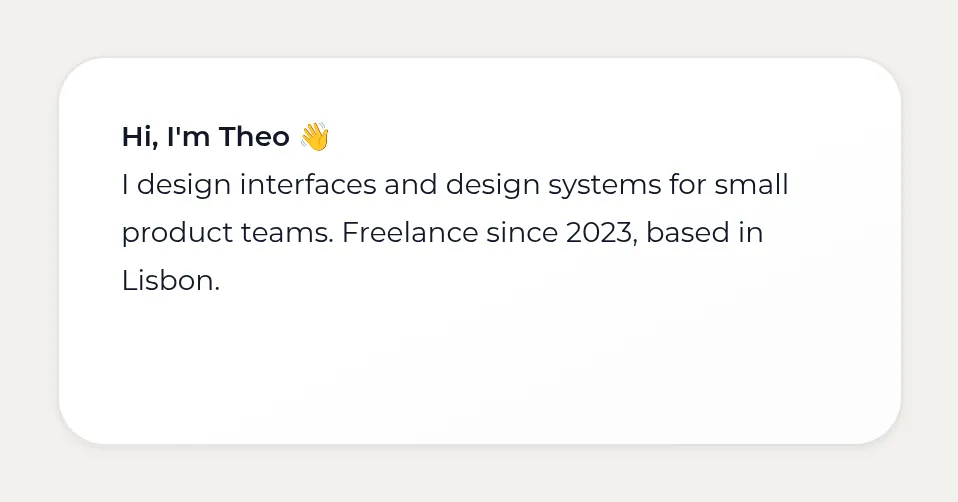
A card with your own words: a short bio, a quote, a price list, an announcement. You choose the text color, size and alignment. Sizes: 1×1 up to 4×4.
Image
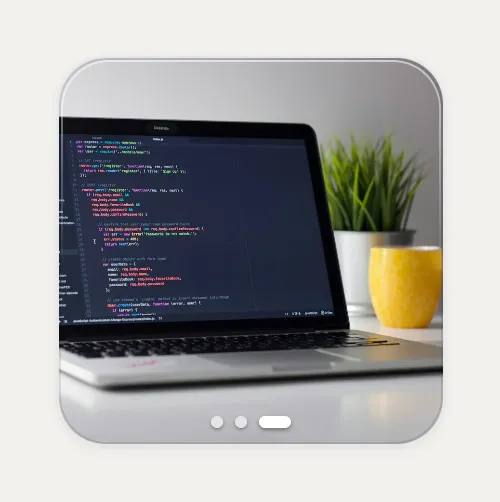
Upload a photo or a short video. Add more than one image and the card becomes a carousel that visitors swipe. You choose what a tap does: open a link, open the image full screen, nothing at all, or "gift", where the card starts wrapped and the first tap unwraps it. Videos play muted on a loop; sound on video cards is a Pro feature. Sizes: 1×1 up to 4×4, plus full width 8×1 and 8×4.
Separator

A thin title row that splits your grid into sections, such as "Music", "Shop" or "Contact". Sizes: 4×1 or 8×1.
Number
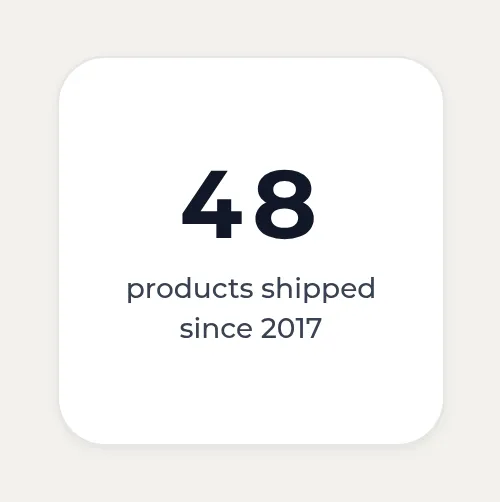
A big number that counts up (or down) when the page loads, with a label under it: "12k followers", "300 weddings shot", "8 years teaching". You can also keep it static. Sizes: 1×1 up to 4×4.
File
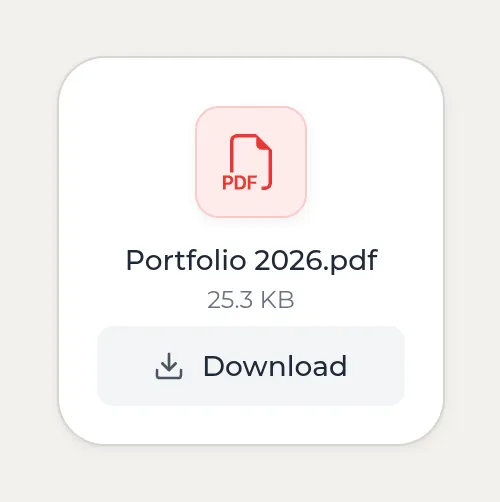
Upload a PDF, image or document and visitors download it from the card. Menus, press kits, rate cards and CVs are the usual uses. Files count toward your storage: 150 MB on Free, 30 GB on Pro. Sizes: 1×1 up to 4×4.
Design and docs
Figma
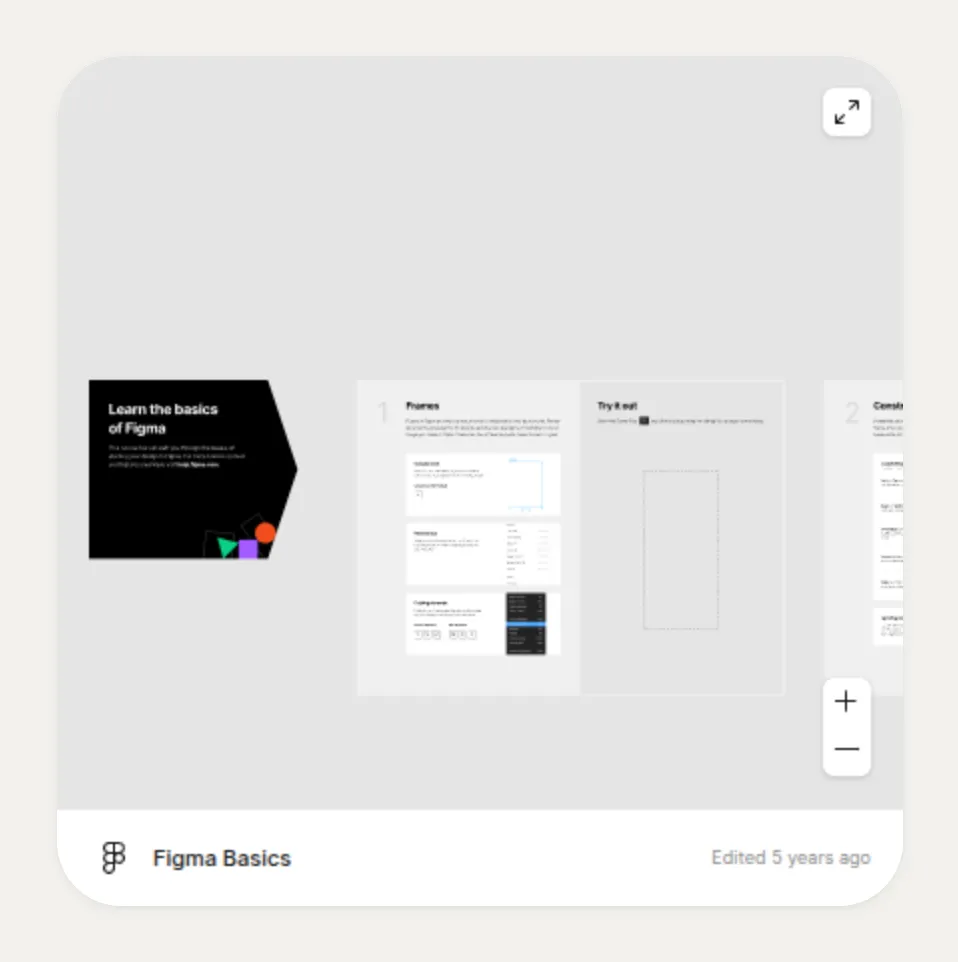
Paste a Figma file or prototype link and visitors can browse it inside your page. Sizes: 1×1 up to 4×4, plus 8×1 and 8×4.
Canva
Embed a Canva design, such as a presentation, a media kit or a menu, using its share link. Sizes: 1×1 up to 4×4.
Behance
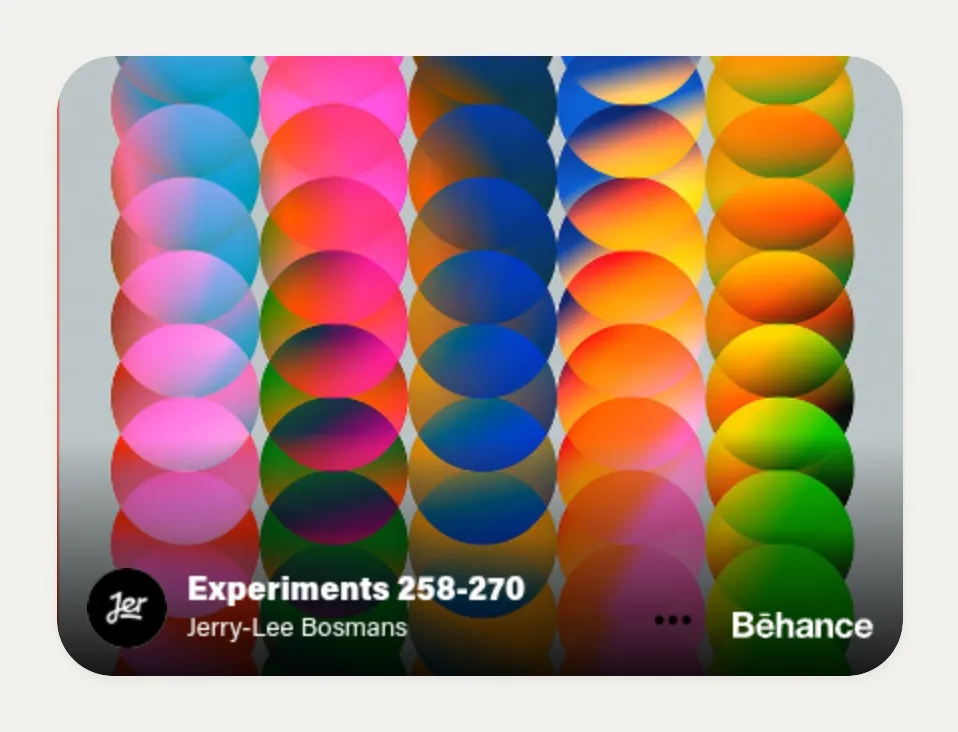
Embed a Behance project so your case study shows on the grid. Sizes: 1×1 up to 4×4.
Genially
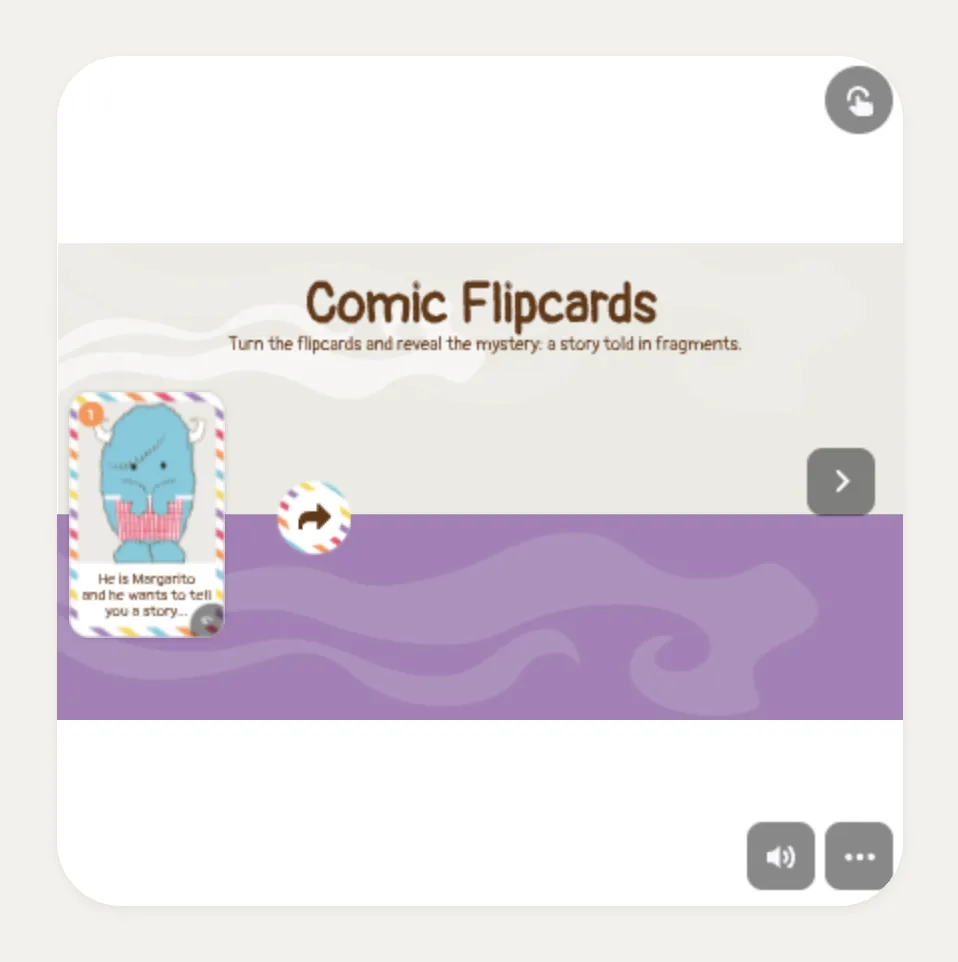
Embed an interactive Genially presentation, quiz or infographic. Sizes: 1×1 up to 4×4, plus 8×1 and 8×4.
Google Docs
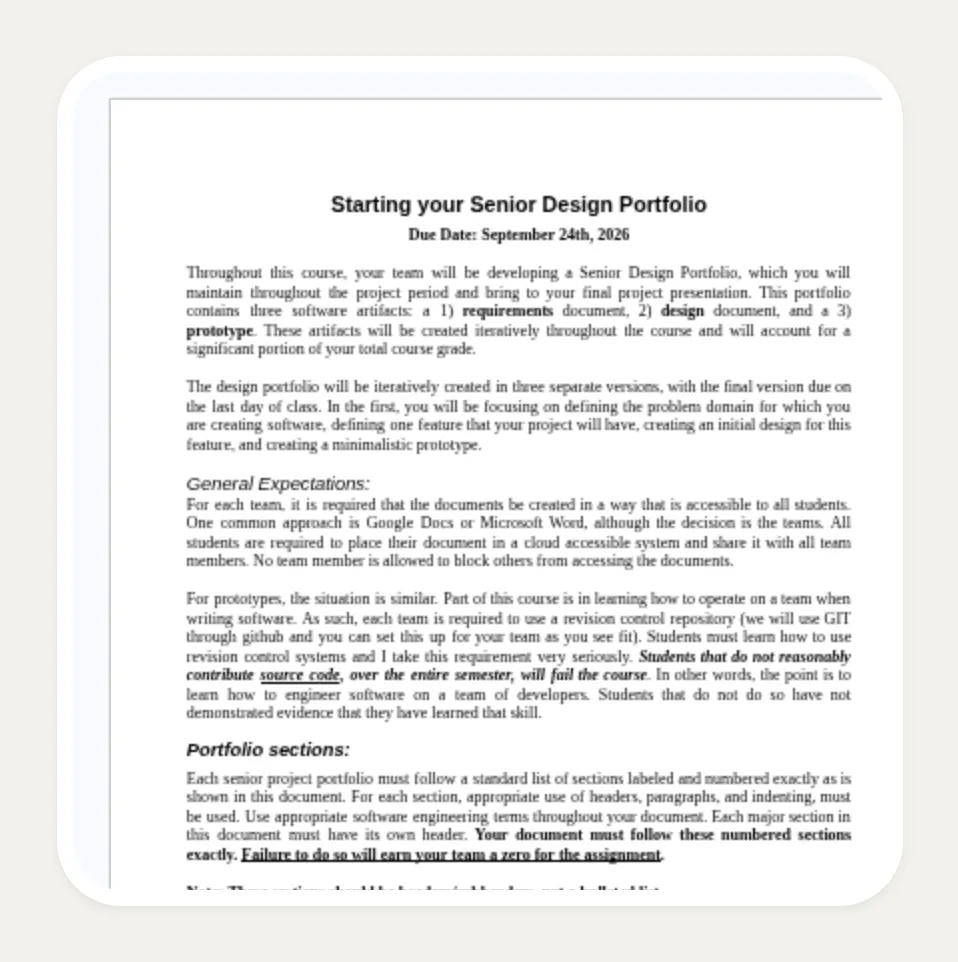
Embed a public Google Doc: a résumé, a price guide, reading notes. Sizes: 4×2, 2×4, 4×4, 8×4 and 8×6.
Flickr
Show a Flickr photo from its link. Sizes: 1×1 up to 4×4.
Contact and place
Opens a WhatsApp chat with you in one tap, without the visitor having to save your number first. For many businesses in Brazil, Mexico or Spain this is the most important card on the page. Sizes: 1×1 up to 4×4.
A card that opens the visitor's email app with your address filled in. Sizes: 1×1 up to 4×4.
Phone
Tap to call. Useful for salons, clinics, restaurants and anyone who takes bookings by phone. Sizes: 1×1, 2×2 or 2×4.
QR code
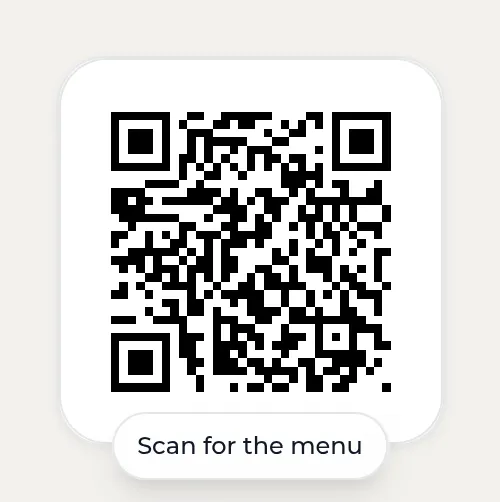
Turns any URL you enter into a QR code on your page, for example the link to your menu or your app. This is separate from your profile's own QR, which you download from Settings. Sizes: 1×1, 2×2, 4×2, 2×4 and 4×4.
WiFi
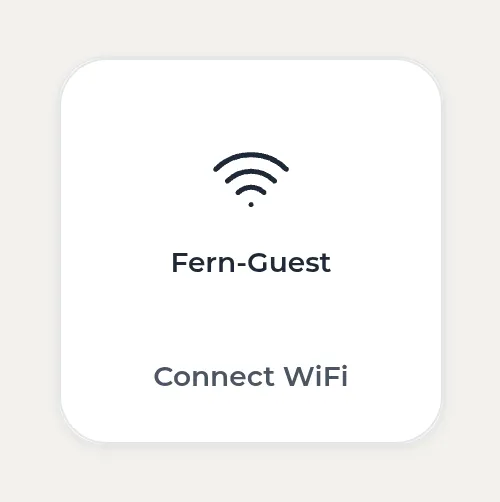
Enter your network name and password. Visitors tap the card and get both, ready to copy, with optional steps you write yourself. Cafés, studios and Airbnb hosts use it. Sizes: 1×1 up to 4×4.
Map
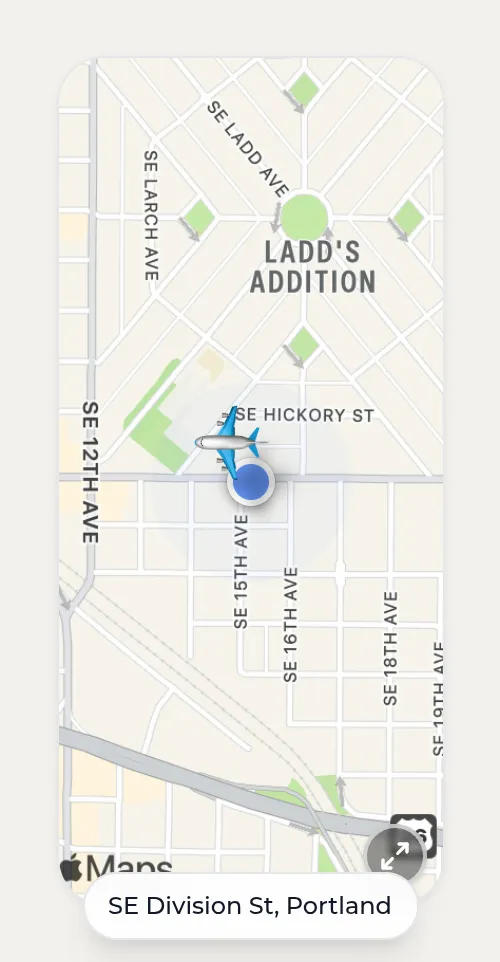
Search for a place and the card shows an Apple Maps snapshot of it, with a zoom level you choose. The light style is free. The dark and automatic styles, and changing or hiding the pin, are Pro. Sizes: 2×2, 4×2, 2×4 and 4×4.
Video and GIF
YouTube
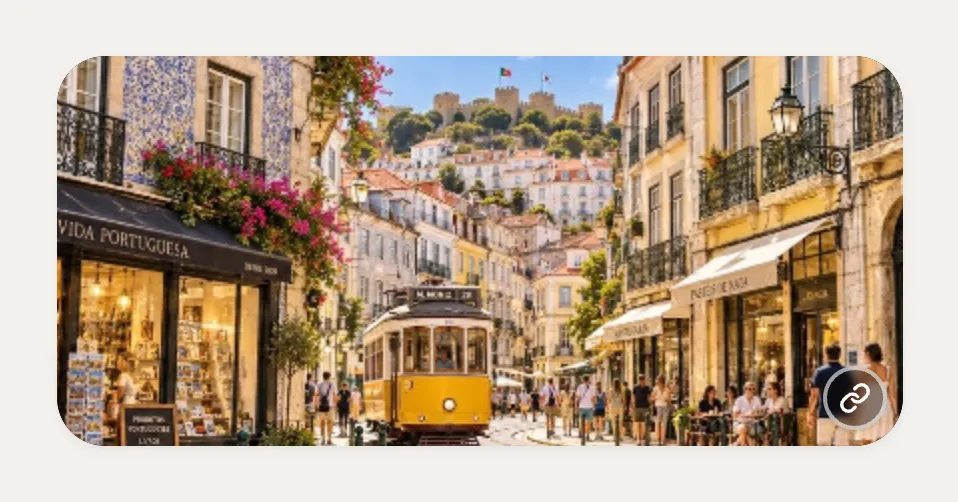
Paste a video link and the card plays it silently on a loop as a moving preview. Tapping opens the video with sound. YouTube Shorts links get vertical sizes. Sizes: videos 2×2, 4×2 or 4×4. Shorts 2×2, 2×4 or 4×4.
Vimeo
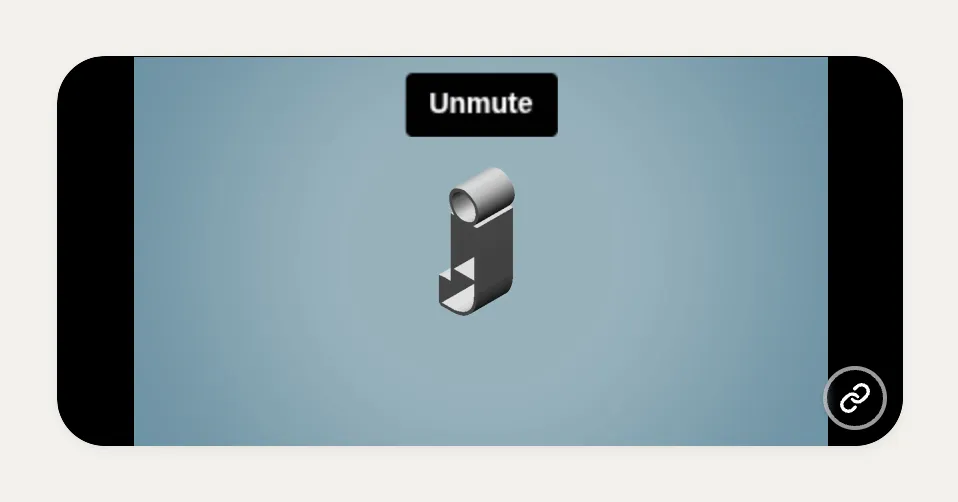
The same idea for Vimeo videos. Sizes: 1×1, 2×2, 4×1, 4×2 and 4×4.
TikTok
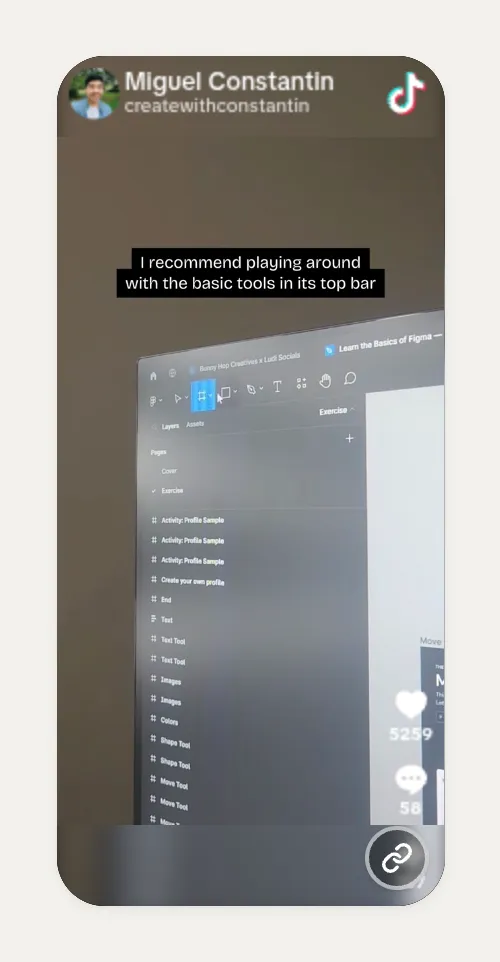
Embed one TikTok video so visitors watch it on your page. Sizes: 2×4 only, the vertical shape of the video.
Loom
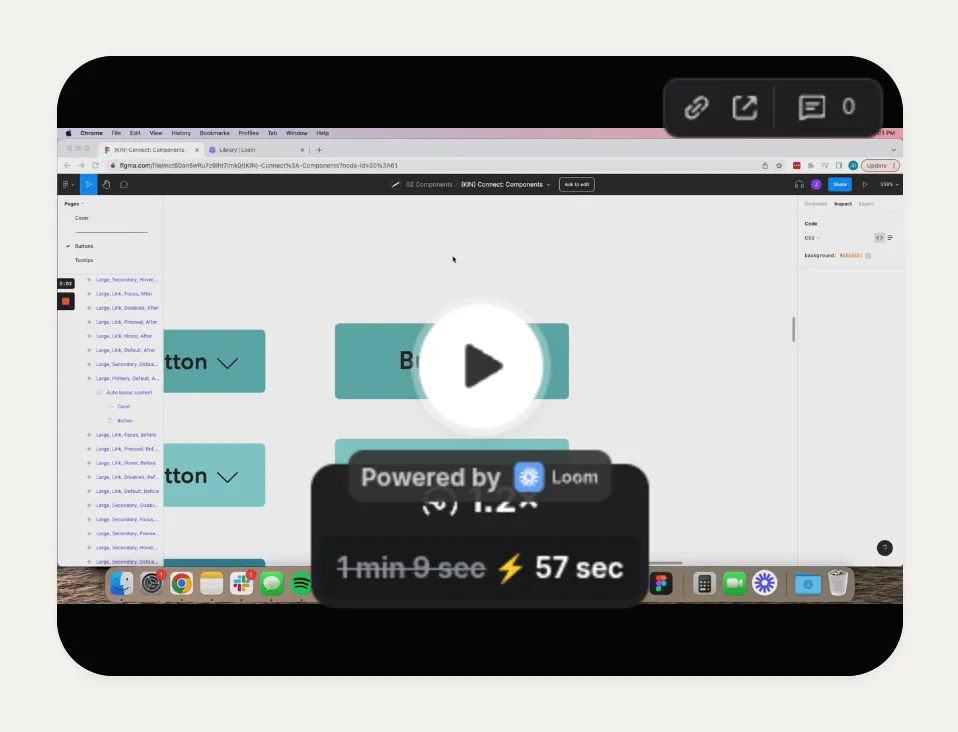
Embed a Loom recording: a product demo, a course preview, a short hello for new clients. Sizes: 1×1 up to 4×4.
GIF
Search Giphy from the editor and drop a GIF onto your grid. Sizes: 1×1 up to 4×4, plus 8×1 and 8×4.
Posts and work
X post
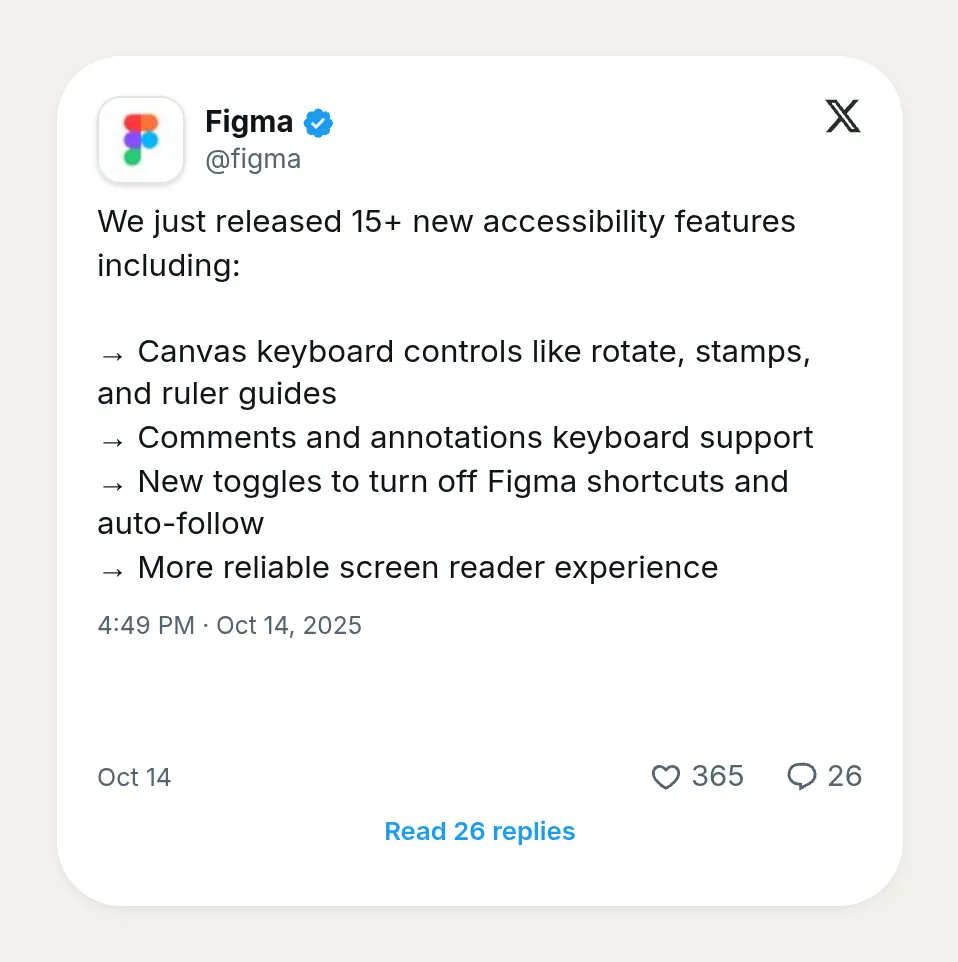
Embed a single post from X, such as a launch announcement or a testimonial, with its own light, dark or automatic mode. Sizes: 2×2, 4×2, 2×4 and 4×4.
Reddit post
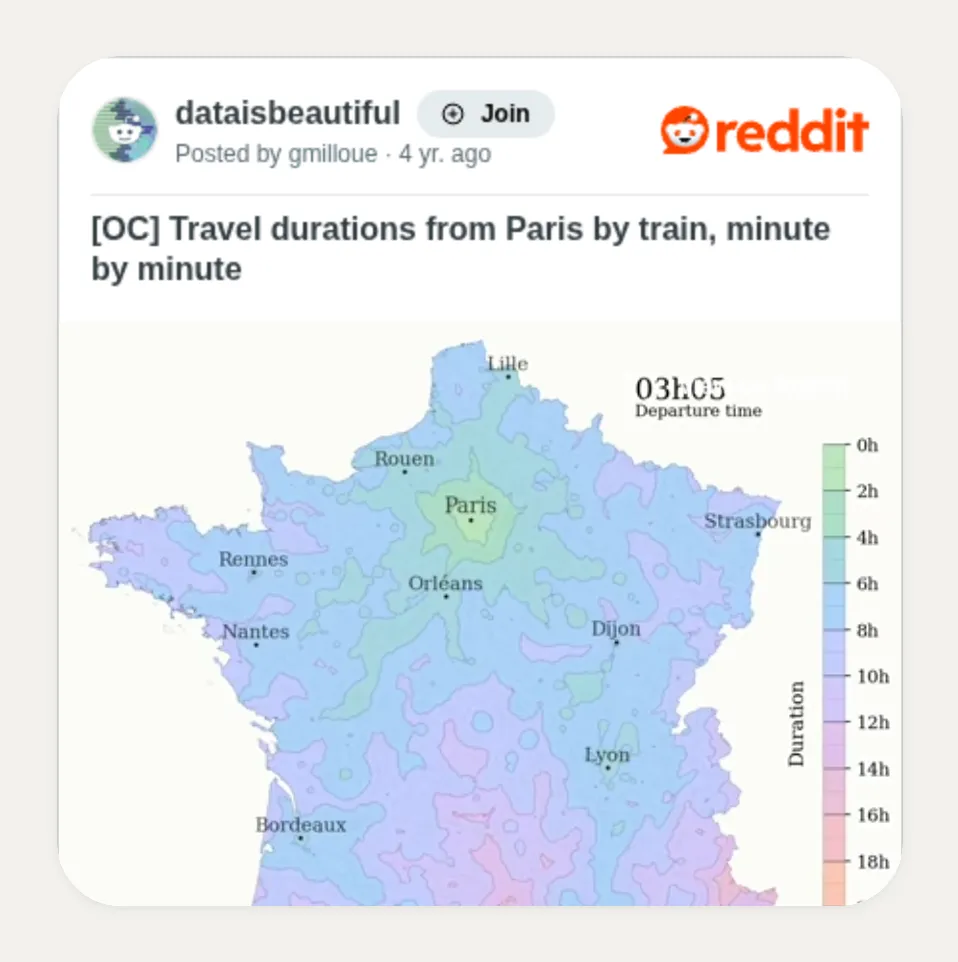
Embed one Reddit post. Sizes: 1×1 up to 4×4.
GitHub
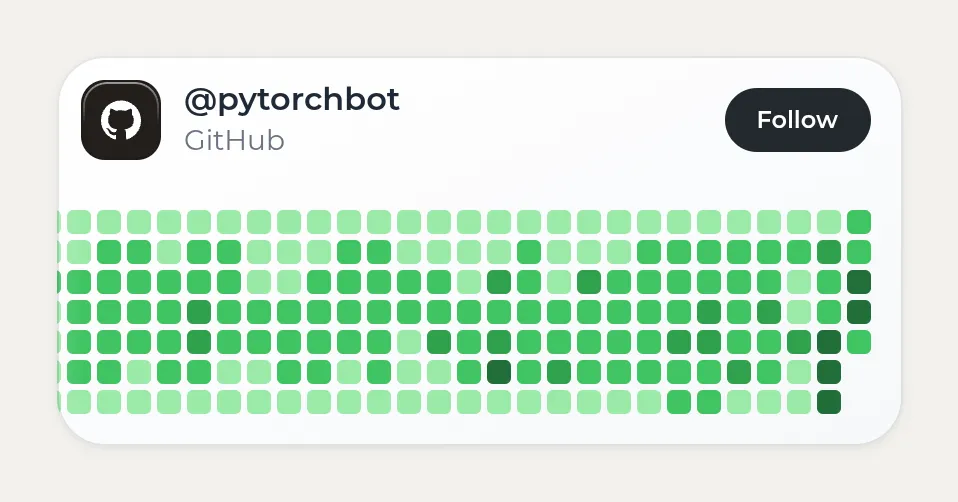
Type your GitHub username and the card draws your contribution graph. You can change the color of the cells. Sizes: 4×2 only.
HTML
Paste your own HTML or an embed snippet from another service, and it renders inside the card. It is the most flexible card and the only one that takes every size. Sizes: 1×1 up to 8×6.
Résumé
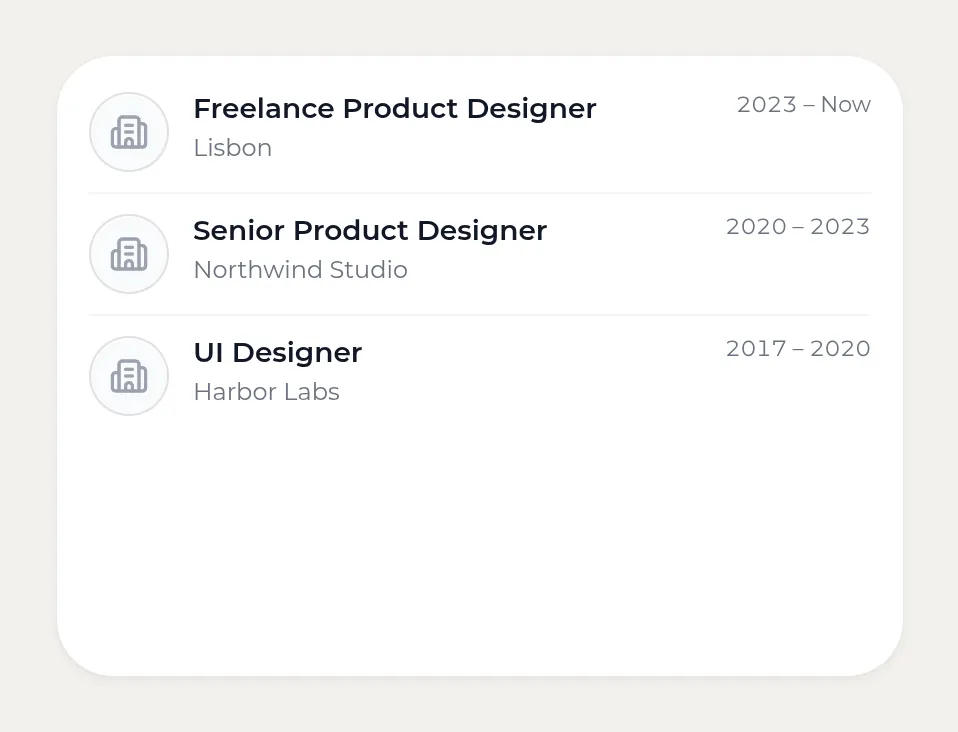
List your experience as entries with a title, a company and dates. Sizes: 4×1, 4×2, 4×3 and 4×4.
Music
Spotify
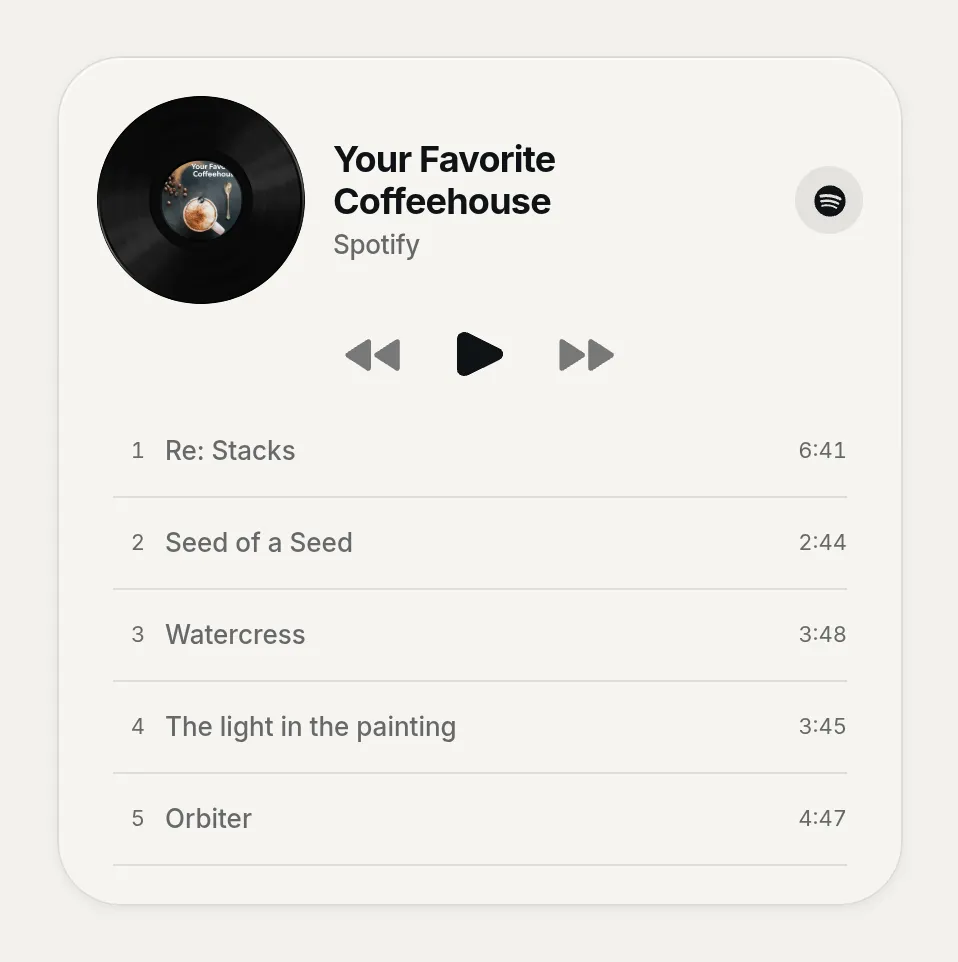
Paste a track, album, playlist, artist or podcast link and visitors listen without leaving your page. Sizes: 4×2, 2×4, 4×4, 8×4 and 8×6.
Apple Music
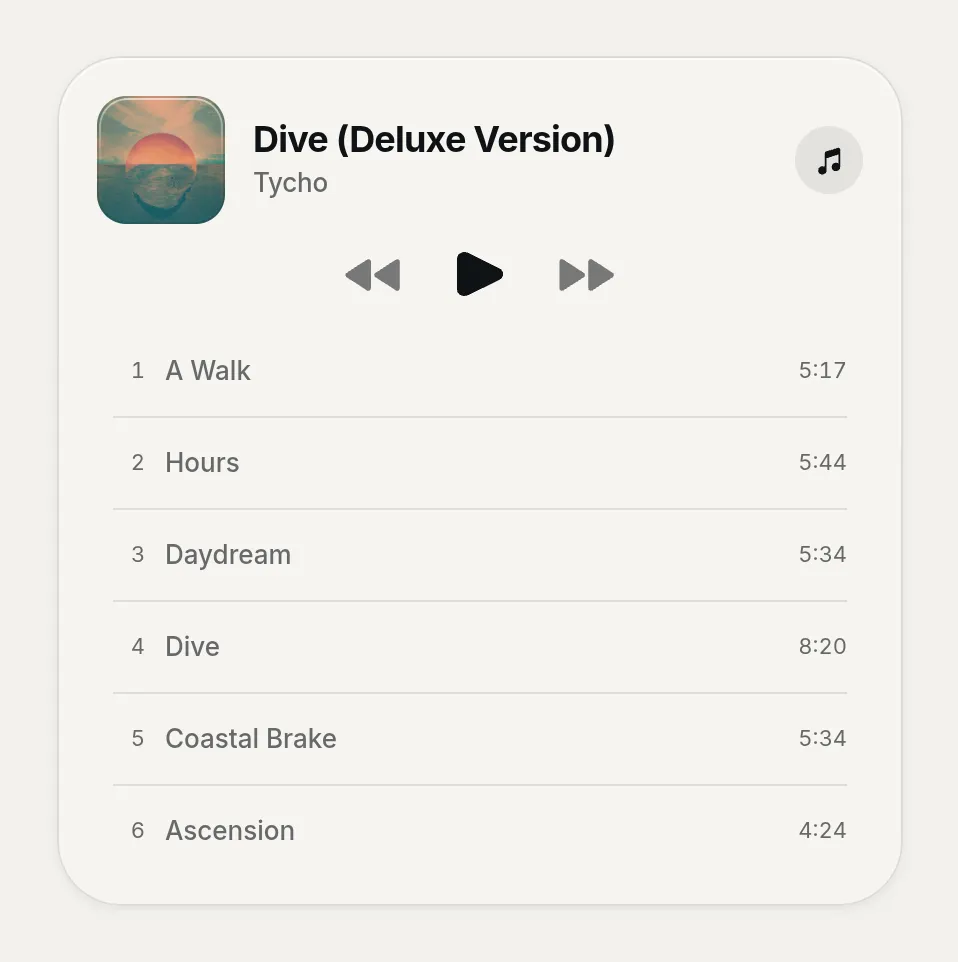
Kasbu draws its own player for Apple Music links, with a different layout for each size, from a tiny 1×1 cover to a full 8×6 player. Sizes: every size, including a 2×1 strip.
SoundCloud
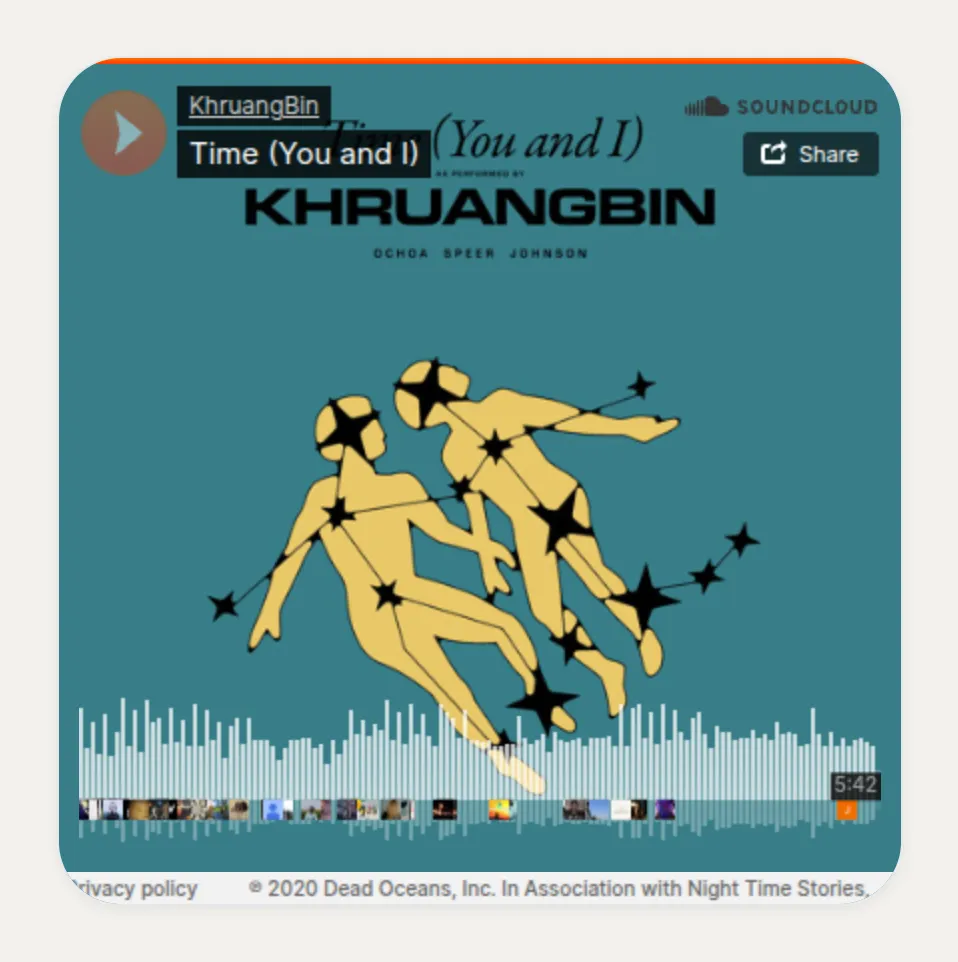
Embed a SoundCloud track or set. Sizes: 4×2, 2×4, 4×4, 8×4 and 8×6.
Deezer
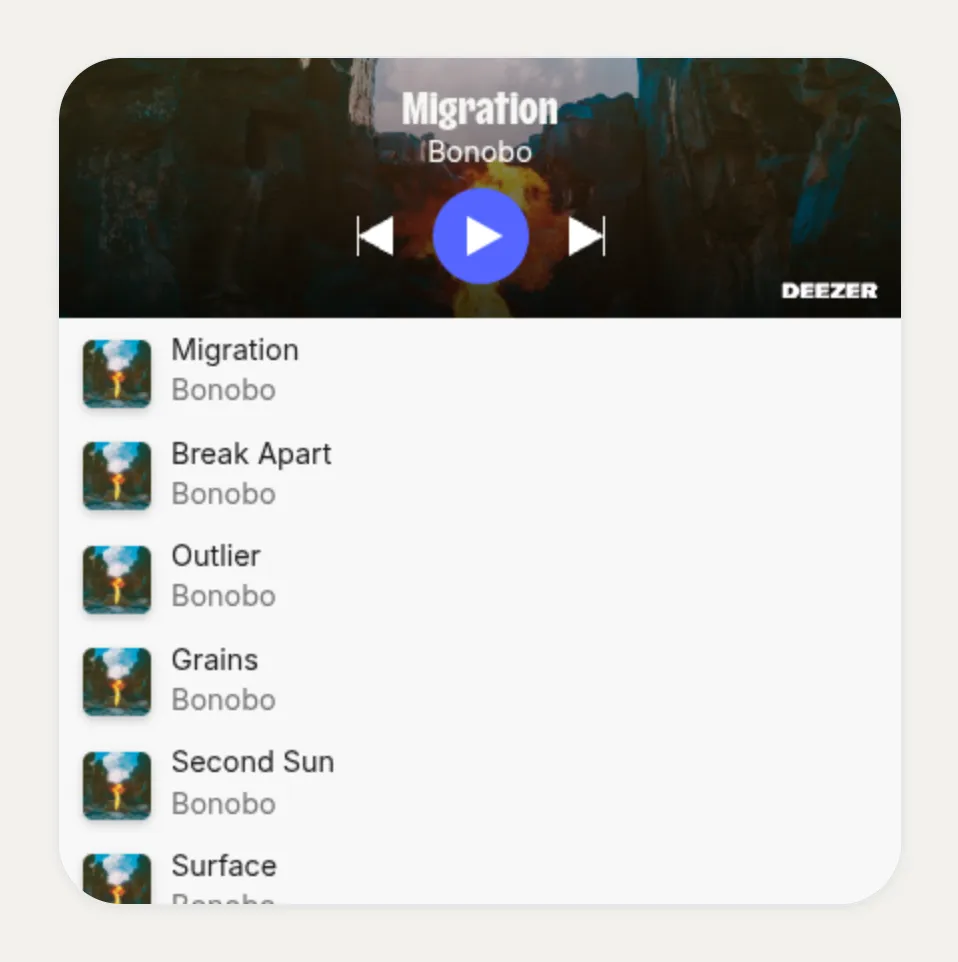
Embed a Deezer track, album or playlist. Sizes: 4×2, 2×4, 4×4, 8×4 and 8×6.
Booking and selling
Calendly
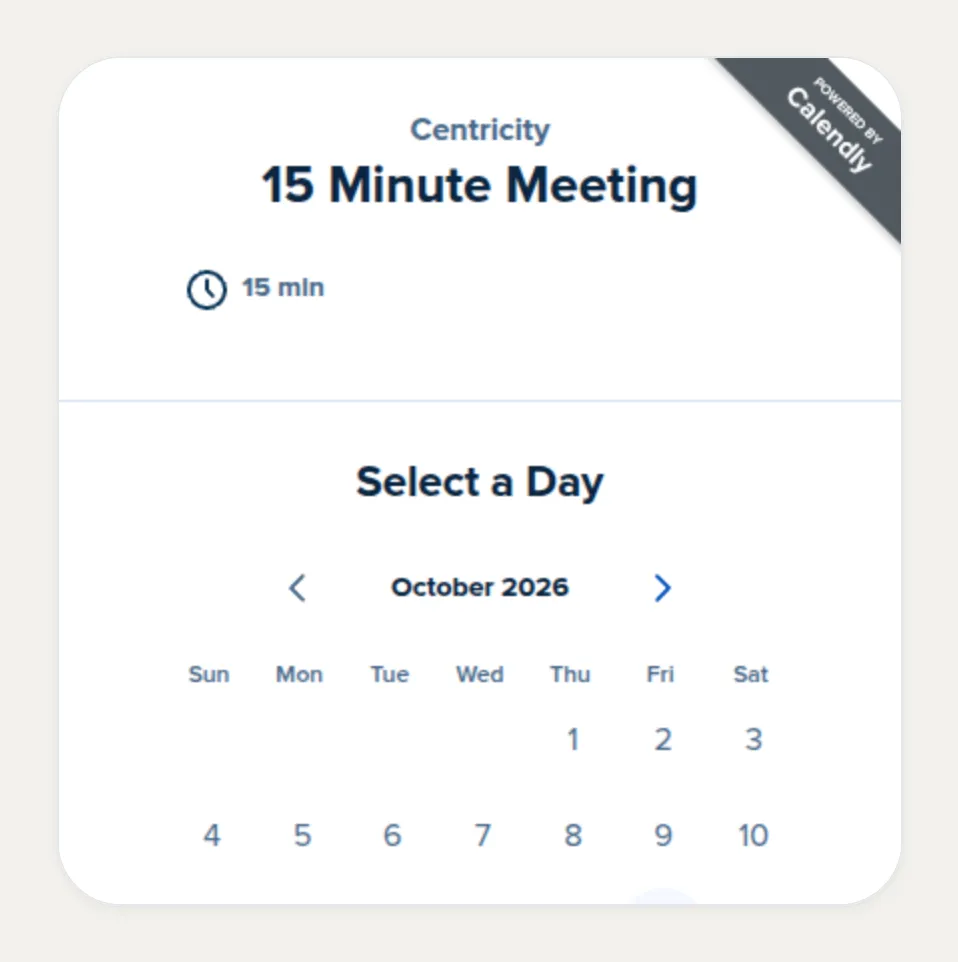
Embeds your Calendly booking page, so visitors pick a time without leaving your Kasbu page. Sizes: 4×4 only, so the calendar stays usable.
Google Calendar
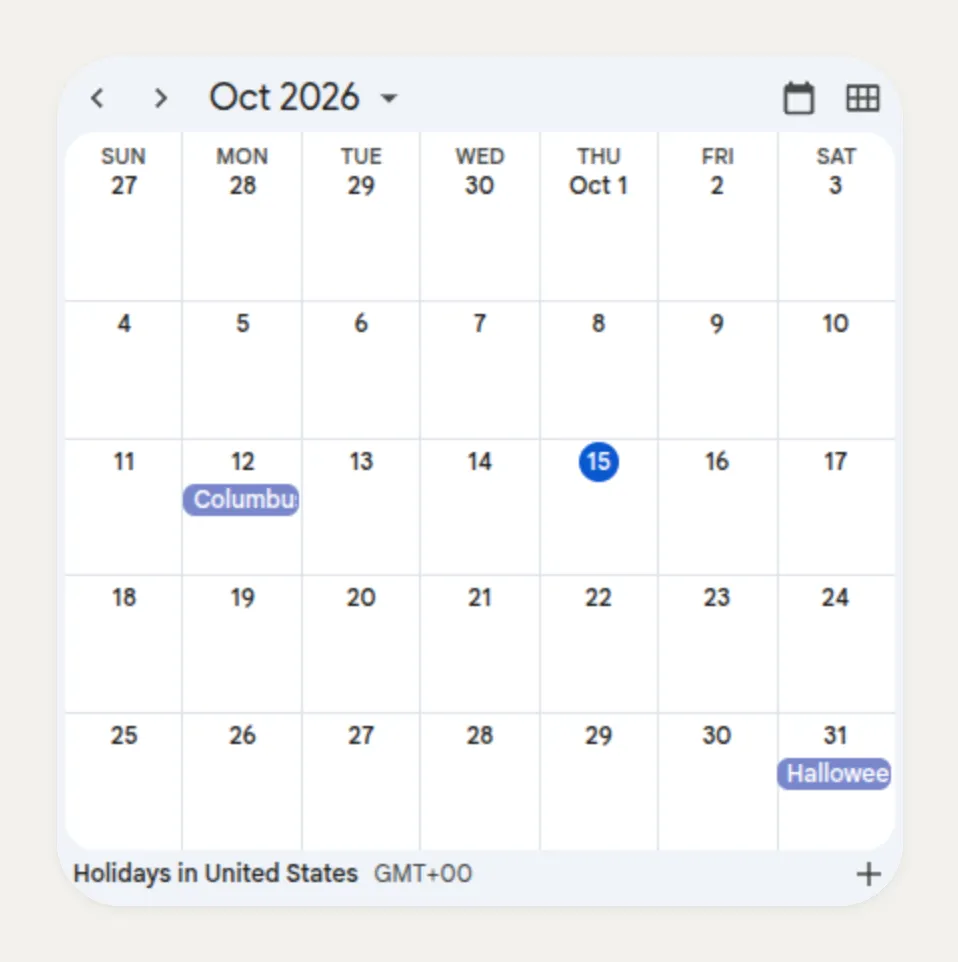
Embeds a public Google Calendar with your events or availability. Sizes: 4×2, 2×4 and 4×4.
Typeform
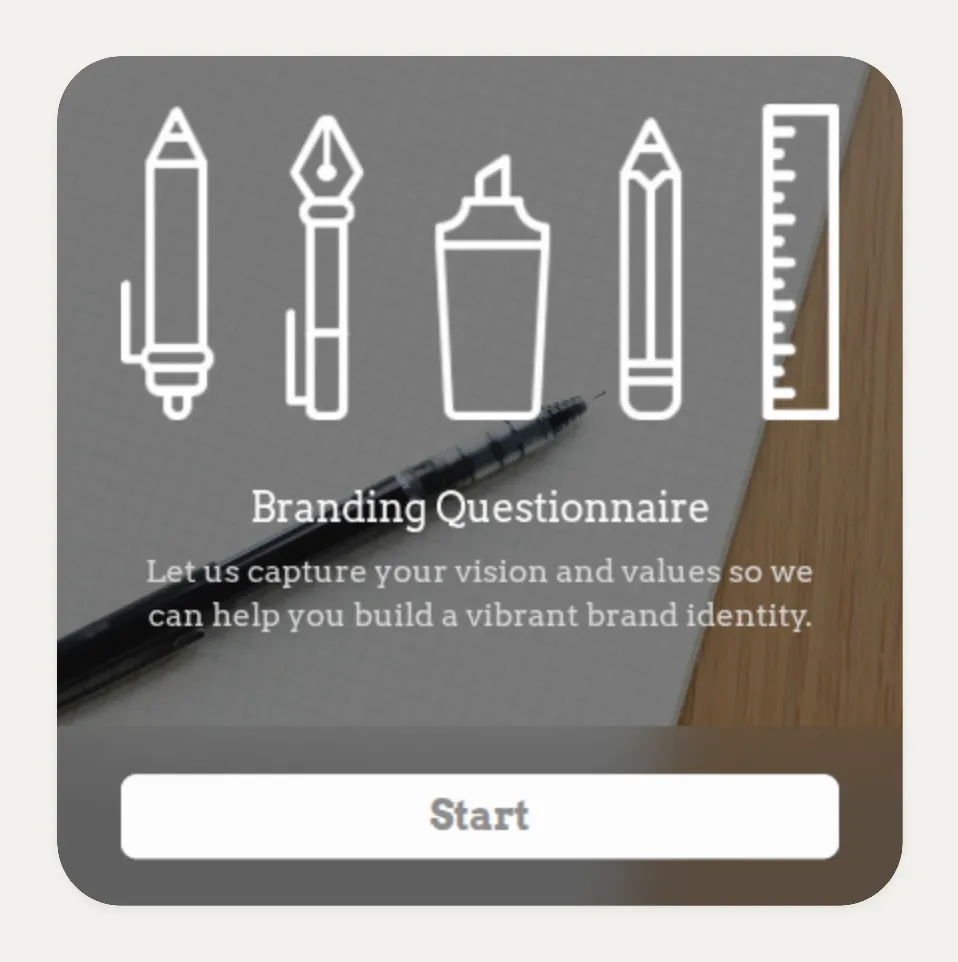
Embeds a Typeform form or survey: a booking request, a waitlist, a client brief. Sizes: 4×2, 2×4 and 4×4.
Product
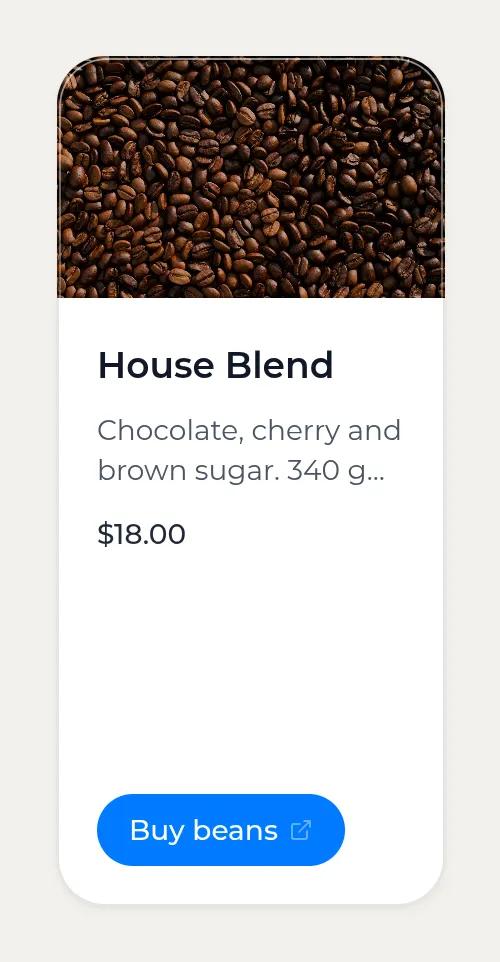
A product with a photo, a name, a short description, a price and a button that links wherever you sell (your shop, Gumroad, Etsy, Mercado Libre). Sizes: 2×2, 4×1, 4×2, 2×4 and 4×4.
Card materials
Besides its color, every card has a material. There are 6, all free since 13 October 2026: Fill (solid color), Gradient, Frost, Glass, Transparent and Frame (a thick outline). Glass and Frost look best on top of a photo or an animated background.
Four layouts that work
Short recipes, using the sizes above:
- Musician: a 4×4 Spotify player on the left, a 2×4 TikTok next to it, then a separator and 2×2 image cards for tour dates.
- Consultant: a 4×2 text card with what you do, a 4×4 Calendly below it, and 2×2 WhatsApp and email cards.
- Developer: a 4×2 GitHub card, a 4×2 link card for your best project, a 2×2 X post and a résumé card.
- Local business: a 4×1 WhatsApp card at the top, a 4×4 map, a 2×2 phone card, a file card with the menu and a WiFi card.
The median Kasbu page uses about 4 cards. Start with the ones people need most and add more later.
Frequently asked questions
How many cards can I add for free?
25 per profile, counted across all of its pages (up to 3 on the free plan). Kasbu Pro removes the limit.
Are any card types Pro only?
No. All 36 types work on the free plan. A few options inside cards are Pro: sound on video cards, and the dark style and custom pin on map cards.
Can I resize any card?
Most cards come in several sizes; you change them from the card's size control in the editor. A few have fixed shapes: TikTok is always 2×4, GitHub 4×2 and Calendly 4×4.
Do embedded cards play on their own?
YouTube cards play a silent looping preview and open with sound when tapped. Uploaded videos also play muted on a loop. Spotify, Apple Music, SoundCloud and Deezer players wait for the visitor to press play.
Can I have a different layout on mobile?
Yes. Kasbu creates the 4-column mobile layout from your desktop layout. Switch the editor to the mobile view to move or resize cards there without touching the desktop version.
What is the difference between a Link card and an embed card?
A Link card sends the visitor to another site. Embed cards (Spotify, YouTube, Calendly, Figma and the rest) show the content inside your page, so the visitor can listen, watch or book without leaving.
Want to try them? Create your Kasbu page for free and add your first card from the picker.