Link in Bio Isn't Only for Creators: Pages for Cafés, Artists and Musicians
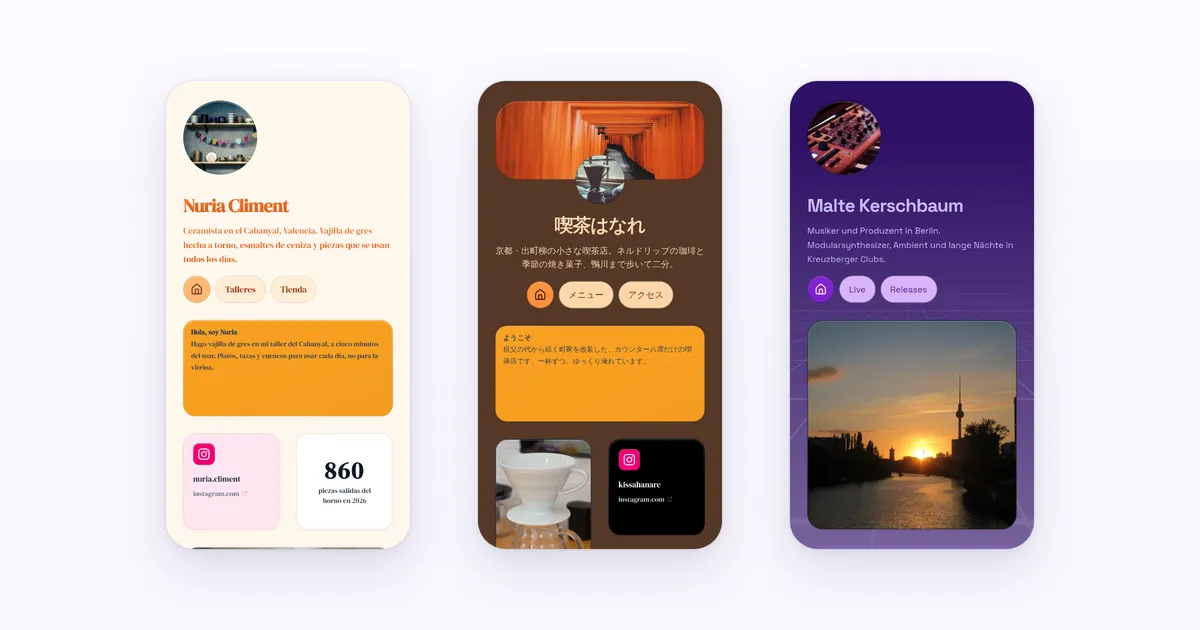
Link in bio tools are marketed to influencers, but cafés, photographers, musicians and researchers need one page too. What each of them should put on it, card by card, with example layouts you can copy for free.
Published · 7 min read · by Kasbu Team
Tags: Link in Bio, Creator Tools, Social Media
Open the homepage of almost any link in bio product and look at who it talks to. It's nearly always "creators": people growing an audience, selling to followers, tracking which post sent the most clicks.
That makes sense for the companies. A creator puts the link in front of thousands of followers, and some of those followers sign up. A café with 600 Instagram followers doesn't bring anyone.
But the café still needs the page. So does the illustrator who isn't chasing followers, the musician who just wants people to hear the new single, and the researcher who wants colleagues to find their papers. They end up on tools whose templates, suggestions and pricing were designed for someone else.
This post is about them. For each one: what the page has to do, which cards do it, and an example layout. Every card mentioned below is available on Kasbu's free plan.
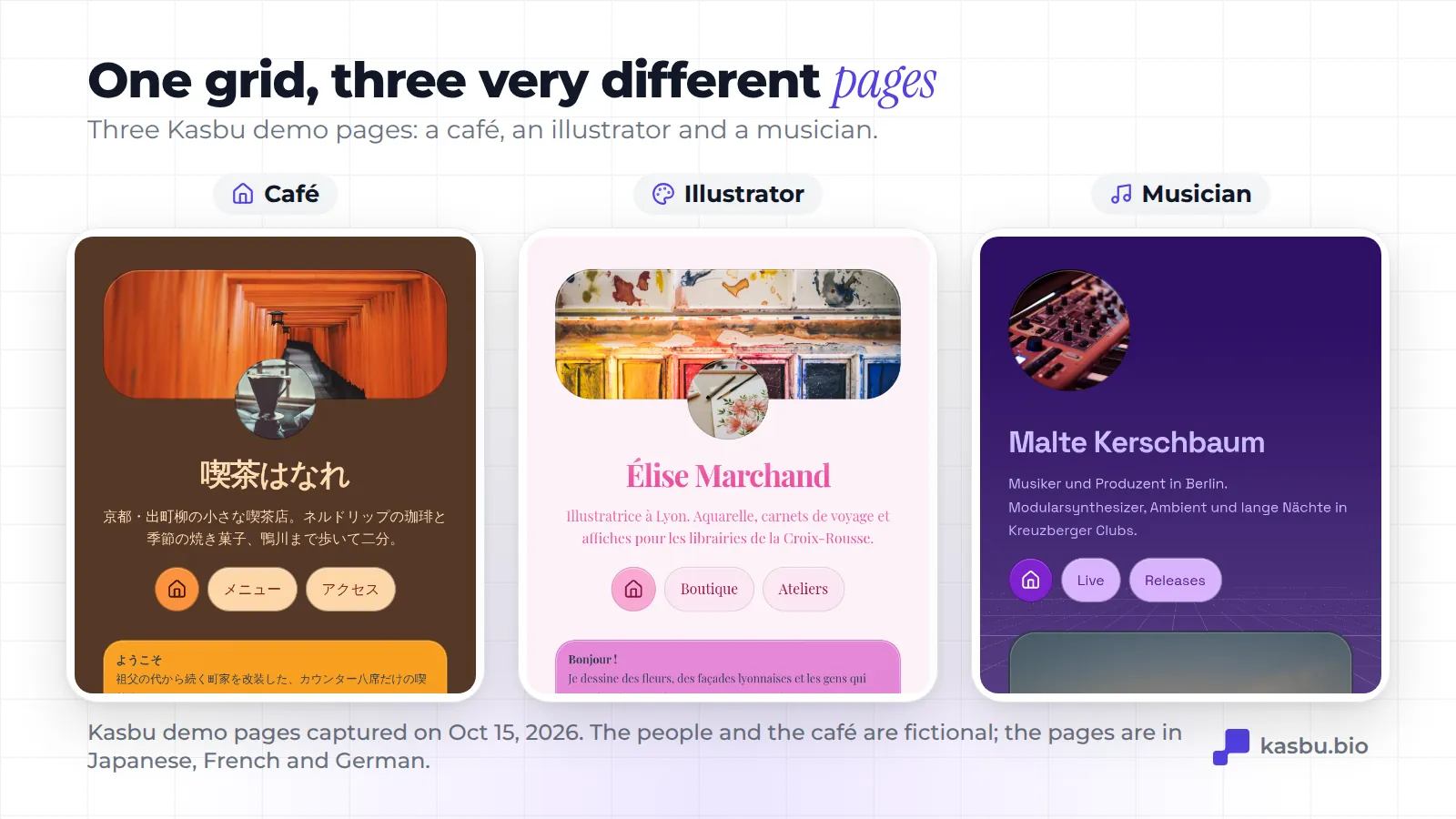
A café, a salon or a small studio
What the page has to do: tell people where you are, when you're open and how to reach you, without a full website.
The cards:
- Map card (2x2) with your address. It shows a real map with a pin, and tapping it opens the spot in Apple Maps or Google Maps.
- Text card (2x1) with your hours: "Open 8 to 6. Closed Mondays." Change it on holidays.
- WhatsApp card and phone card. On a phone, one tap opens the chat or the call.
- Calendly card for bookings, if you take appointments.
- File card with your menu or price list as a PDF. Visitors download it, and you replace the file when prices change.
- WiFi card for customers in the shop: they tap it and see the network name and password.
Then print your profile's QR code and put it by the till, or add the Wallet pass to your own phone to show it at a market stall.
What you don't need: a follower counter, a "latest TikTok" widget or a newsletter popup.
An illustrator, photographer or visual artist
What the page has to do: show the work first. A list of links with a small round photo on top is the worst format for someone whose work is visual.
The cards:
- Image cards in big sizes: a 4x2 banner for your strongest piece, a couple of 2x2 photos below it. Upload the files directly (150 MB of storage on the free plan) instead of linking to another site.
- Behance or Flickr card to embed a full project or a photo from your existing portfolio.
- Product card for prints: a photo, a price and a buy button that links to your shop.
- Email card for commissions.
Put the image cards at the top on mobile too. Kasbu keeps separate layouts for desktop (8 columns) and mobile (4 columns), so you can order them differently on each.
A musician
What the page has to do: let people listen right away. A "Listen on Spotify" button sends them to another app. A player keeps them on your page.
The cards:
- Spotify, Apple Music, Deezer or SoundCloud card. Each one is a player that works on the page. A 2x2 Spotify card for the new single, a SoundCloud card for demos.
- YouTube or TikTok card for a live session or a clip.
- Google Calendar card with tour dates.
- Product card for merch.
- File card with your press kit as a PDF, for promoters and venues.
- Email card for booking.
A researcher or teacher
What the page has to do: point colleagues and students to your work and to you, and look serious doing it.
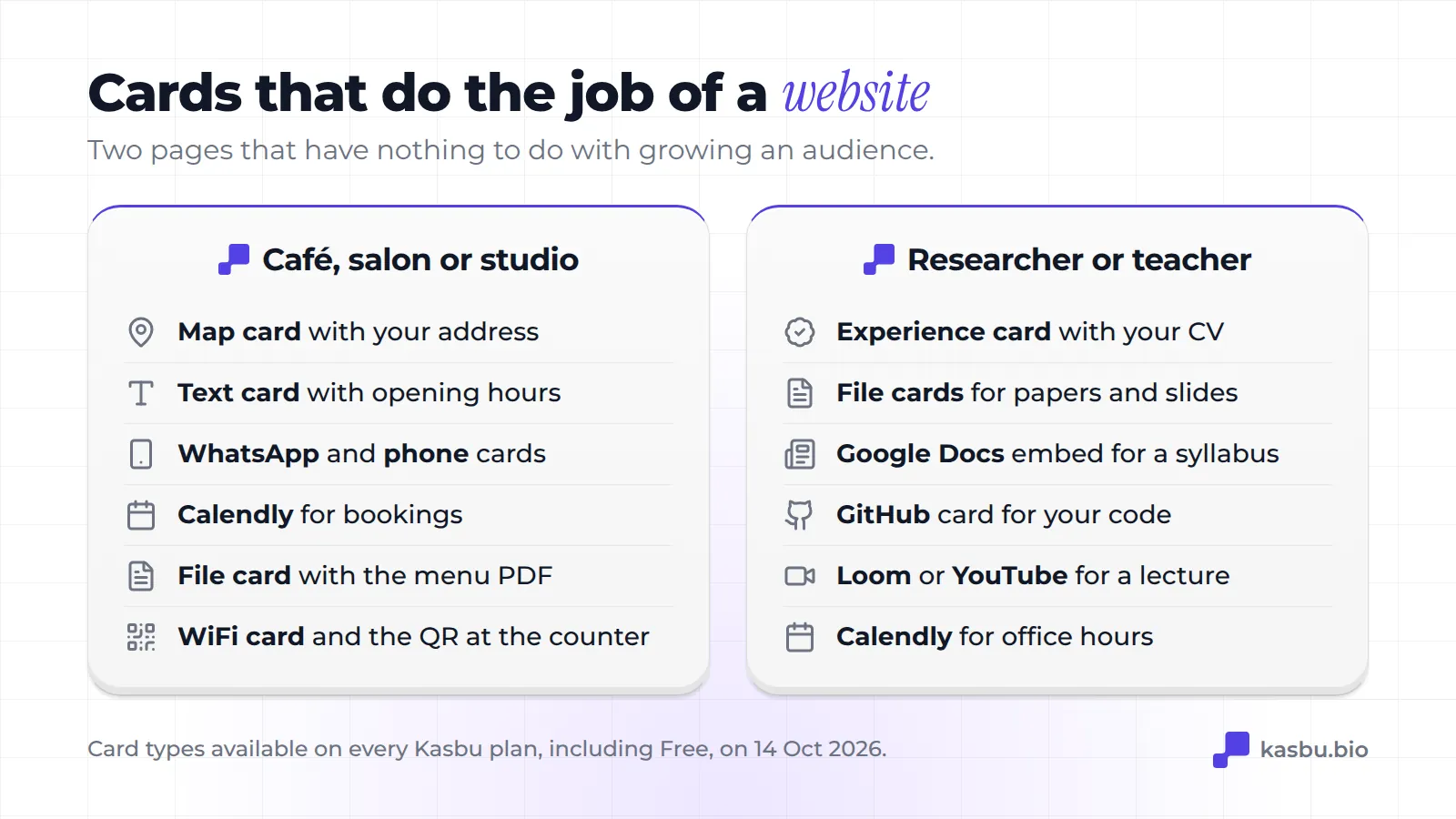
The cards:
- Experience card with your positions and dates, like a short CV.
- File cards for papers and slides.
- Google Docs card to embed a syllabus or reading list that you keep updating.
- GitHub card for your code.
- Loom or YouTube card for a recorded lecture or talk.
- Calendly card for office hours.
How to build one of these
- Create a free Kasbu account and choose your username. Your page lives at kasbu.bio/yourname.
- Open the card menu. Type what you want ("map", "WiFi", "file") or paste a link: Kasbu recognizes YouTube, Spotify, Calendly, WhatsApp, Google Docs and more, and suggests the right card.
- Drag the most important card to the top left and make it bigger. For a café that's the map, for a photographer a photo, for a musician the player.
- Switch to the mobile view and check the order. Most visitors from Instagram arrive on a phone.
- In Design, pick a background and one of the 14 fonts. Since 13 October 2026 all colors, backgrounds and fonts are free.
- Put kasbu.bio/yourname in your Instagram bio, on Google Maps and on your business cards.
The free plan includes 25 cards per profile, which covers every layout in this post several times over. The median Kasbu page uses 4.
Why we think this matters
A grid doesn't assume you have an audience to grow. It assumes you have things worth showing: a place, a menu, a body of work, a song, a paper. A list of buttons can link to all of those, but it can't show any of them.
That's the reason Kasbu is a grid. Not every page on it is a creator's, and it shouldn't have to be.
Frequently asked questions
Is a link in bio enough instead of a website for a small business?
For many, yes, if what customers need is your address, your hours, a way to contact you and a menu or price list. A map card, a text card with hours, a WhatsApp card and a menu PDF cover that. If you need online ordering with payment, you still need a shop or a booking system, and you can link it from the page.
Can I have one page for my business and another for myself?
Yes. Each Kasbu account can have 2 profiles on the free plan, each with its own username, pages and analytics.
Does it cost anything?
No. Everything in this post works on the free plan. Pro ($4.99 a month or $54.99 a year) adds unlimited cards, your own domain and full analytics, and removes the small "Follow on Kasbu" button.
Build your page for free. No follower count required.